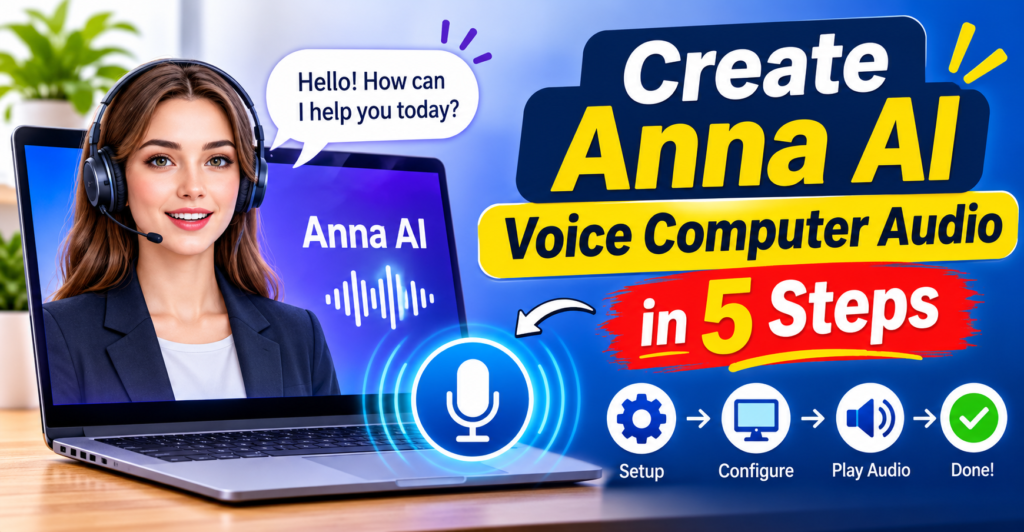
The Anna AI voice computer search is often used by people who want their computer to read text aloud in a familiar female voice, create Anna-style audio, or access the classic Microsoft Anna voice. You can use online text-to-speech tools to generate similar audio without installing a voice package, although the original Microsoft Anna voice is associated with older Windows versions.
Whether you want to make audio for videos, read text aloud, or explore a Frozen-inspired Anna AI voice, understanding the differences between these options will help you choose the right tool.
- 📌 What Is Anna AI Voice Computer?
- 🖥️ What Is Microsoft Anna Voice?
- 🚀 How to Generate Anna AI Voice Online
- 🛠️ Best Anna AI Voice Generator Tools
- 🎙️ How to Make Anna Text-to-Speech Sound More Natural
- 💾 How to Download Anna Voice on a Computer
- ❄️ Frozen Anna AI Voice vs Microsoft Anna Voice
- 🎯 What Can You Use Anna AI Voice For?
- 🔒 Is Anna AI Voice Free and Safe to Use?
- 🔧 Common Anna AI Voice Problems and How to Fix Them
- ❓ Frequently Asked Questions About Anna AI Voice Computer
📌 What Is Anna AI Voice Computer?
Anna AI voice computer refers to using a computer to generate or play speech in an Anna-style voice. This may mean the classic Microsoft Anna text-to-speech voice, an online Anna AI voice generator, or a character-inspired voice based on Anna from Frozen.
Text-to-speech (TTS) technology converts written words into spoken audio. You enter text, select a voice and the software processes your words into speech that you can listen to or save.
There are three common versions people may be looking for:
- Microsoft Anna voice: The classic female computer voice associated with Windows Vista and Windows 7.
- Anna AI voice generator: An online tool that generates speech from text using an Anna-style voice preset.
- Frozen Anna AI voice: A character-inspired voice option available through some AI voice platforms.
Modern AI voice tools can offer more control over speech speed, tone and pronunciation than older voice engines. However, not every tool uses the original Microsoft Anna voice.
🖥️ What Is Microsoft Anna Voice?
Microsoft Anna was a text-to-speech voice introduced with Windows Vista and used in Windows 7. It was the default English female TTS voice in these Windows versions, allowing users to listen to written text through their computer speakers.
Microsoft Anna was particularly useful for accessibility, reading documents, navigating parts of Windows and listening to text instead of reading it manually. It was also popular among content creators who liked its recognizable computer-generated sound.
Microsoft Anna was a traditional speech synthesis voice, not a modern generative AI voice model. It relied on established speech synthesis technology to convert text into speech.
How Microsoft Anna Worked in Windows
Microsoft Anna was integrated into the Windows speech system. Users could access text-to-speech settings and preview the voice through the speech settings panel.
- Windows Vista: Microsoft Anna was included as the default English voice in many editions.
- Windows 7: Anna continued as the default English text-to-speech voice.
- Modern Windows versions: Newer speech technologies and voices replaced the old default experience.
Microsoft documents the speech technology and voice selection system used in Windows through its Windows speech documentation.
Unlike modern AI voices, Microsoft Anna did not generate speech with the same neural voice modeling capabilities used in many current AI tools.
🚀 How to Generate Anna AI Voice Online
If your computer does not have the original Microsoft Anna voice, an online Anna AI voice generator may be the easiest option. Many browser-based tools let you enter text, select a voice preset, generate audio and download the result without installing software.
The process is usually straightforward, although voice availability and export options vary between platforms.
Steps to Convert Text into Anna Voice Audio
Follow these steps to generate Anna text-to-speech audio:
Step 1: Open an Anna voice generator
Visit a text-to-speech platform that offers Microsoft Anna or an Anna-style voice. Check the voice preview before using the tool to confirm it matches the sound you want.
Step 2: Enter your text
Type or paste the text you want the computer to read. Start with a short paragraph so you can test the voice before generating a longer recording.
Step 3: Select the voice
Choose Microsoft Anna or the available Anna-style preset. Some tools offer several voice variations, while others provide only one preset.
Step 4: Adjust the voice settings
If available, change the speech speed, pitch or other controls. Keep the settings moderate initially to avoid unnatural speech.
Step 5: Generate and preview the audio
Click the Generate, speak or convert button. Listen to the result and check whether the voice sounds clear and pronounces the words correctly.
Step 6: Download your audio
If the tool supports audio exports, save the generated file to your computer. Depending on the platform, you may be able to download it as WAV or MP3.
🛠️ Best Anna AI Voice Generator Tools
Several online platforms offer Microsoft Anna TTS or Anna-inspired voice generation. They differ in voice authenticity, audio controls, download options and free usage limits.
| Tool | Best for | What to expect |
|---|---|---|
| SAM TTS | Classic Microsoft Anna-style audio | Online text input, voice settings and audio export options |
| SAM-tts.com | Exploring Anna-style TTS presets | Voice style generation and preset variations |
| Komiko | Frozen-inspired Anna voice | Character-inspired voice generation |
| Modern AI TTS platforms | General voice generation | Multiple voices, languages, controls and different export features |
Features, pricing, availability and export limits can change. Check each platform before relying on a specific feature.
What Should You Look for in an Anna Voice Generator?
The best computer voice generator depends on what you need the audio for.
- Voice authenticity: Check whether the voice resembles classic Microsoft Anna or a modern interpretation.
- Audio downloads: Make sure you can save the generated file if you need it for a video or presentation.
- Voice controls: Look for speed, pitch and pronunciation options.
- Free access: Check character limits, credits and download restrictions.
- Ease of use: A browser-based tool with a simple interface is usually easier for beginners.
🎙️ How to Make Anna Text-to-Speech Sound More Natural
Even a good AI voice generator can produce awkward speech if the text is poorly written. Small adjustments can make Anna voice audio sound clearer and easier to follow.
Adjust Speed, Pitch and Tone
If your tool provides voice settings, use them carefully.
- Speed: Reduce the speed slightly if the voice sounds rushed.
- Pitch: Avoid extreme pitch changes that make the voice sound unnatural.
- Tone: Select a warmer or clearer preset if the platform offers voice variations.
- Pauses: Use punctuation and paragraph breaks to create natural pauses.
Not every Anna voice generator provides all these settings. Some tools allow only text input and audio generation.
Use Punctuation to Improve Speech
Punctuation helps text-to-speech software understand how sentences should flow.
For example, instead of entering a long sentence with several ideas, break it into smaller sentences. Use commas to separate related thoughts and periods to create clearer pauses.
Practical tip: Before generating a full narration, test a short sample containing a question, a long sentence, a number and a difficult word. This helps you identify pronunciation problems before spending credits or processing a long script.
If a name or word sounds wrong, try rewriting it phonetically or changing the sentence structure, depending on what the tool supports.
💾 How to Download Anna Voice on a Computer
Downloading the original Microsoft Anna voice and downloading audio generated by an online Anna AI voice generator are two different things.
The original Microsoft Anna voice was associated with Windows Vista and Windows 7. It is not a standard voice you can simply enable in every modern Windows installation.
If you want Anna-style audio on a modern computer, an online voice generator may be more practical.
| Computer | Options |
|---|---|
| Windows 7 | Microsoft Anna was included in the Windows speech system for English versions |
| Windows 10 | Use available system voices or compatible online TTS tools |
| Windows 11 | Use modern Windows speech voices or browser-based AI voice generators |
| macOS | Use built-in speech features or online voice generation tools |
For modern Windows versions, Microsoft offers newer speech and accessibility features. You can explore Microsoft’s voice and language support to learn about available options.
How to Save Generated Anna Audio
If an online tool supports downloads, the process usually works like this:
- Generate the speech from your text.
- Preview the audio to check its quality.
- Click the download or export option.
- Select an available file format, if offered.
- Save the audio to a folder on your computer.
MP3 is often useful for videos, sharing and general playback. WAV may be useful for editing workflows where an uncompressed audio file is preferred.
❄️ Frozen Anna AI Voice vs Microsoft Anna Voice
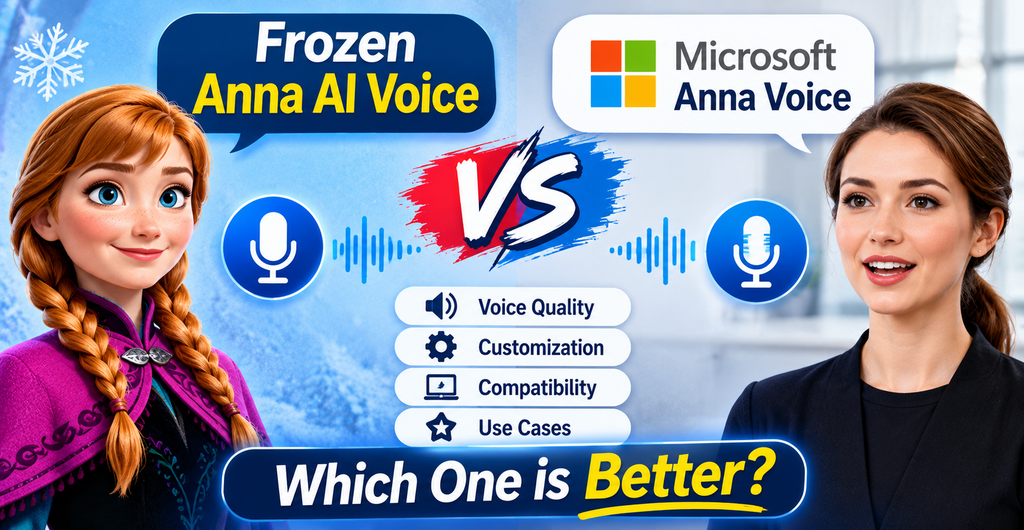
Microsoft Anna and Frozen’s Anna are not the same voice.
Microsoft Anna is a classic computer-generated voice associated with Windows Vista and Windows 7. Frozen Anna AI voice usually refers to a character-inspired voice generator designed to resemble the voice or style associated with Anna from Disney’s Frozen.
| Feature | Microsoft Anna | Frozen Anna AI voice |
|---|---|---|
| Origin | Windows speech technology | Character-inspired AI voice tools |
| Purpose | Reading text aloud | Creating character-style audio |
| Technology | Traditional TTS | Depends on the AI platform |
| Voice style | Classic synthetic female voice | Designed to resemble a character’s vocal style |
| Availability | Associated with older Windows systems | Available on some online AI platforms |
Some AI platforms use voice cloning technology or voice modeling to recreate recognizable vocal characteristics. However, availability and authenticity vary, and a generated voice is not necessarily the original voice used in a film.
Use character-inspired voices responsibly. Avoid creating misleading audio that could make someone believe a real person or actor said something they never said.
🎯 What Can You Use Anna AI Voice For?
An Anna-style computer voice can be useful for different creative and practical projects.
- Narration: Turn written scripts into audio for tutorials, storytelling and informational videos.
- Presentations: Add spoken narration to slides or educational material.
- Creative projects: Experiment with character-style speech for personal projects.
- Video content: Generate audio for animations, short clips and voiceover experiments.
- Text accessibility: Listen to written content instead of reading it on screen.
The quality of the output depends on the voice generator, the text and the settings you use. Always review the audio before publishing or sharing it.
🔒 Is Anna AI Voice Free and Safe to Use?
Many online Anna AI voice generators offer free access, but free usage may come with limitations. Some platforms restrict the amount of text you can convert, limit downloads or require an account.
| Feature | Free tools | Paid tools |
|---|---|---|
| Voice generation | May have character limits | Often higher usage limits |
| Voice selection | Limited presets | May offer additional voices |
| Audio downloads | May be restricted | Often includes more export options |
| Account requirement | Varies | Usually required |
| Advanced controls | Limited or unavailable | May offer additional settings |
Before using a tool, check its pricing, privacy policy and usage rights.
Privacy matters: Avoid uploading confidential documents, personal information or sensitive voice recordings to unknown platforms. Read the service’s privacy policy to understand how your text and audio are stored or processed.
If you use voice cloning technology, make sure you have the necessary permission to use the voice. Avoid deceptive impersonation, misleading recordings or content that violates a platform’s terms.
🔧 Common Anna AI Voice Problems and How to Fix Them
If your Anna AI voice generator is not working properly, try these common solutions.
| Problem | Possible solution |
|---|---|
| Audio generation fails | Refresh the page, check your internet connection and try shorter text |
| Voice sounds robotic | Adjust speed and pitch or try another voice preset |
| Incorrect pronunciation | Rewrite difficult words or use phonetic spelling where supported |
| Audio download fails | Try another browser or check your device’s download permissions |
| Anna voice is unavailable | Check whether the platform has removed or changed the voice preset |
| Tool does not load | Clear browser cache or try a different browser |
| Audio sounds rushed | Reduce speech speed and add punctuation or paragraph breaks |
If the problem continues, check the platform’s help section or try another text-to-speech service.
❓ Frequently Asked Questions About Anna AI Voice Computer
Is there an AI voice assistant for PC?
Yes, several AI voice assistants are available for PCs. Some help users interact with their computers through voice commands, while text-to-speech tools convert written text into spoken audio. These are different functions, so choose a tool based on whether you need an assistant or a voice generator.
Who is Anna AI?
Anna AI can refer to different tools or voice experiences depending on the platform. In this context, it usually refers to Microsoft Anna, an older Windows text-to-speech voice, or an AI voice generator designed to produce Anna-style speech.
Are computer-generated voices AI?
Computer-generated voices are not always AI-powered. Traditional text-to-speech systems use older speech synthesis methods, while modern AI voice systems often use neural models to produce more natural speech, pronunciation and tone.
What is the best voice changer for PC?
The best voice changer depends on whether you want to modify your voice in real time during calls or games, or generate audio from text. For Anna-style narration, a text-to-speech generator is more suitable than a real-time voice changer.
What has happened to Anna?
Microsoft Anna was the default English text-to-speech voice associated with Windows Vista and Windows 7. Newer Windows versions introduced different speech technologies and voices, so the original Anna voice is not generally available as the default voice on modern Windows installations.
What is Anna’s real name?
If you mean Anna from Disney’s Frozen, her character name is Anna, and she is voiced by Kristen Bell in the English-language films. If you mean Microsoft Anna, she is a computer-generated voice rather than a real person.
Can I use Anna AI voice for free?
Many online Anna-style voice generators offer free access or limited free usage. However, the amount of text you can generate, available voice settings and download options depend on the platform.
How can I download Anna voice audio on my computer?
Open an online Anna AI voice generator, enter your text, select the available Anna-style voice and generate the audio. Preview the result and click the download option if the platform supports audio exports such as MP3 or WAV.