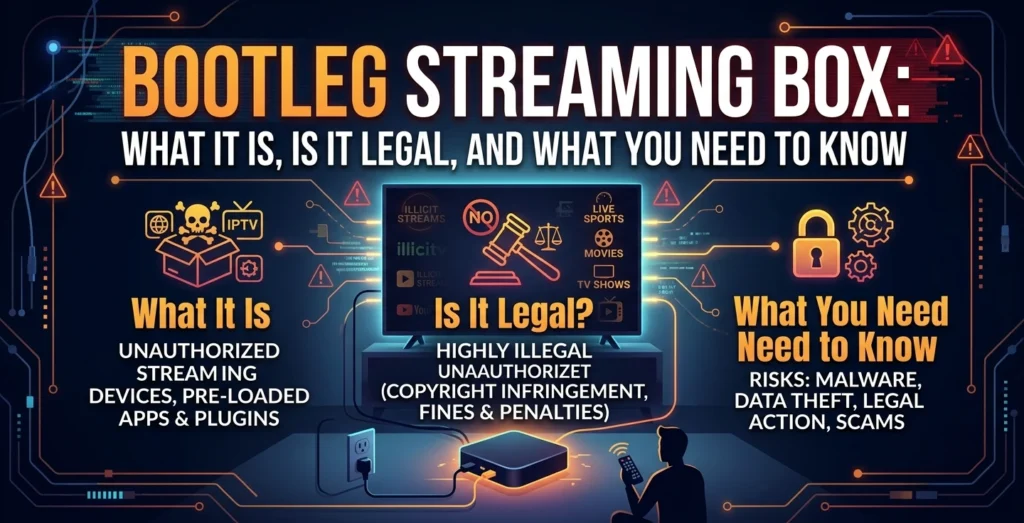
A bootleg streaming box is usually a TV-connected device that has been set up to provide access to unauthorized movies, TV channels, sports, or other paid content. The important point is that the box itself is not automatically illegal; the bigger questions are what apps it uses, where the content comes from, and whether that content is properly licensed.
These devices can also create security and reliability concerns. Unofficial apps may expose users to malware and viruses, while unauthorized services can disappear without warning. U.S. authorities have also taken action against illegal streaming operations and warned about risks linked to illicit streaming services.
- What Is a Bootleg Streaming Box?
- Legal Streaming Box vs. Bootleg Streaming Box
- What Does “Fully Loaded” TV Box Mean?
- How to Spot a Bootleg Streaming Box Before You Buy
- Popular Devices and Services You May Come Across
- Is a Bootleg Streaming Box Legal in the US?
- Security Risks of a Bootleg Streaming Box
- What Can Happen If a Streaming Box Is Infected?
- Why “Lifetime TV” and Free Channels Can Be a Red Flag
- What to Do If You Already Bought a Suspicious Streaming Box
- Safer and Legal Alternatives to Bootleg Streaming Boxes
- 5 Questions to Ask Before Buying a Streaming Box
- Frequently Asked Questions About Bootleg Streaming Boxes
What Is a Bootleg Streaming Box?
A bootleg streaming box is generally a streaming device configured to make unauthorized content easier to access. It may advertise hundreds or thousands of live channels, movies, sports events, or premium programs without the normal subscriptions associated with those services.
The term pirated streaming device can refer to different types of hardware. Some are generic Android devices, while others may be modified streaming sticks or TV boxes with unofficial applications installed.
It helps to separate three things:
- Hardware: The physical box connected to your television.
- Software: The operating system and applications installed on it.
- Content: The movies, channels, sports, or other media you watch.
An Android TV box can be completely legitimate hardware. The problem can arise from the apps installed on it or the source of the content.
The same distinction applies to an IPTV streaming service. IPTV simply describes television delivered over an internet connection. IPTV technology itself is not automatically illegal. The legal issue depends on whether the provider has the necessary rights to distribute its content.
Legal Streaming Box vs. Bootleg Streaming Box
A legal streaming device can provide access to services that have permission to distribute their content. Examples include certified streaming platforms, subscription services, free ad-supported services, and legitimate live-TV services.
A bootleg setup may instead promise premium content without clear information about licensing or the actual provider behind the streams.
| Feature | Legal Streaming Setup | Potential Bootleg Setup |
| Content source | Licensed or authorized | Unclear or unauthorized |
| Apps | Official/trusted sources | Unknown or unofficial apps |
| Security | Regular support may be available | Updates and support may be unclear |
| Customer support | Identifiable provider | Seller may disappear |
| Reliability | Service has established infrastructure | Channels may suddenly stop |
| Legal concerns | Depends on lawful use | Higher concern when content is unauthorized |
Owning an Android TV box does not automatically mean you are breaking copyright law. The same hardware can be used for legitimate applications and services.
The U.S. Department of Justice has prosecuted operators of unauthorized streaming services that reproduced and provided copyrighted television programs without permission. The important distinction is between ordinary streaming hardware and services that distribute content without authorization.
What Does “Fully Loaded” TV Box Mean?
A fully loaded TV box usually means a seller has already installed applications or configured the device before selling it.
The phrase is not itself proof of piracy. However, it deserves extra attention when the seller promises access to a huge amount of premium content without clearly identifying the licensed providers.
Be especially careful with advertising that says:
- “All channels included”
- “Lifetime TV”
- “No monthly subscription”
- “Every sports event”
- “Thousands of premium channels”
The more important question is not how many channels are advertised. It is who has the legal right to provide them.
Unknown pre-installed applications can also create security concerns. A device that comes with software you did not choose or cannot verify deserves more caution than one where you install trusted applications yourself.
How to Spot a Bootleg Streaming Box Before You Buy
A low price alone does not prove that a device is illegal. Instead, look at the entire offer.
Warning signs can include promises of nearly every premium channel, movie, and live sports event for one small payment.
Another warning sign is a vague answer when you ask who licenses the content. A trustworthy seller should be able to explain what the device provides and which services are responsible for the content.
Before You Plug It Into Wi-Fi
Ask yourself:
- Does the seller clearly identify the content provider?
- Are the installed applications from trusted sources?
- Does the device receive official software updates?
- Is there a real company, support channel, and warranty?
- Does “lifetime access” depend on an unknown third-party service?
If you cannot get clear answers, connecting the device to your main home network may not be worth the risk.
Popular Devices and Services You May Come Across
SuperBox and VSeeBox
SuperBox and VSeeBox are names that frequently appear in searches for Android-based streaming boxes.
Their manufacturers and retailers describe these products as general-purpose hardware and place responsibility for third-party applications and content on the user.
That means the brand name alone does not determine whether every use is legal or illegal. The important questions are what applications are installed, what service is being accessed, and whether the content provider has authorization.
For example, a current SuperBox retailer states that its hardware does not itself host or control third-party content and tells customers to use services lawfully.
Android TV Boxes and Jailbroken Fire Sticks
An Android TV box is a general-purpose internet-connected device. It can be used with legitimate streaming applications, media players, and other lawful services.
A jailbroken Fire Stick is commonly understood as a Fire TV device modified to allow additional applications or settings. Modification alone does not answer the copyright question. What matters is how the modified device is used and what content the installed applications provide.
Installing an unknown application can also increase security risks, especially when the application comes from an unofficial source.
Is a Bootleg Streaming Box Legal in the US?
There is an important difference between owning a streaming device and using it to access unauthorized content.
A general-purpose TV box can have lawful uses. However, distributing, obtaining, or providing unauthorized access to copyrighted programming can raise copyright issues.
U.S. authorities have repeatedly pursued commercial streaming operations that distributed copyrighted television programs without permission. In 2025, the Justice Department reported that operators of Jetflicks received prison sentences after convictions related to a large unauthorized television streaming operation.
The same principle means you should not assume that a device is legal simply because a seller calls it a “TV box.” Check the actual services and content it provides.
It is also important not to label every inexpensive Android device or every device manufactured in China as illegal. The hardware’s origin is not the key test. The source of the software and content matters much more.
Security Risks of a Bootleg Streaming Box
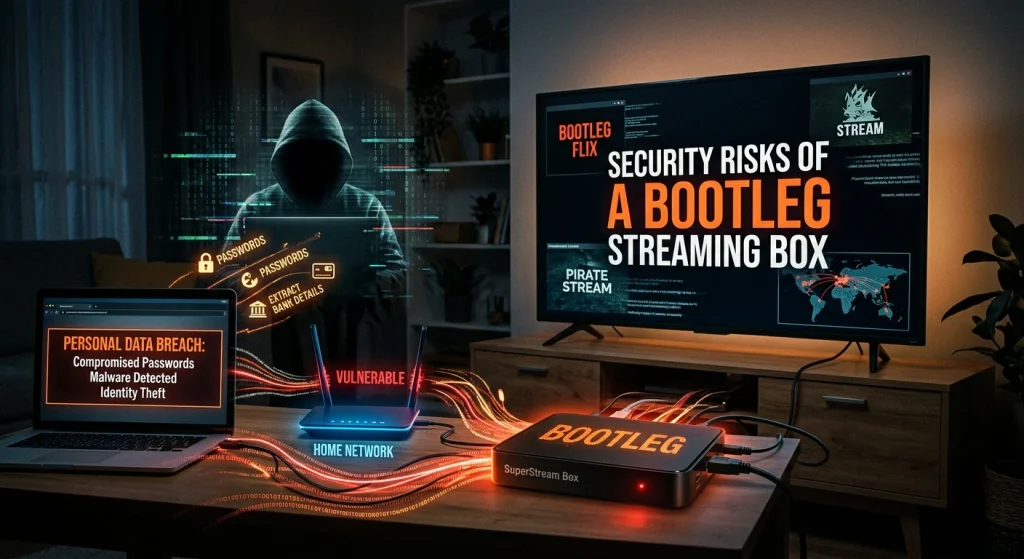
Malware, Viruses, and Unofficial Apps
One major concern with unknown streaming devices is software security.
If a box comes with unofficial applications or encourages users to install APK files from unknown websites, there may be less confidence about what the software actually does.
Potential problems can include:
- Malware and viruses
- Aggressive or malicious advertising
- Unauthorized network activity
- Attempts to steal account information
- Unwanted software running in the background
The Department of Justice has previously warned that some illicit streaming services have been associated with malicious software capable of compromising consumer security and exposing passwords or financial information.
Home Wi-Fi Security and BadBox 2.0
A streaming device is connected to your home network, so its security matters beyond the television.
A compromised device may communicate with outside servers or become part of a larger malicious network. That can create additional concerns for other devices connected to the same network.
The BadBox 2.0 botnet has also made compromised Android-based devices an important cybersecurity concern. This is one reason consumers should avoid treating an unknown streaming box as harmless simply because it is used for television.
The safest approach is to keep device software updated, use trusted applications, and avoid installing software from sources you cannot verify.
What Can Happen If a Streaming Box Is Infected?
An infected device may behave differently from a normal streaming box.
It could generate unwanted network traffic, display malicious advertisements, communicate with unknown servers, or potentially become remotely controlled.
There is also an account-security concern. If you sign into Google, YouTube, Netflix, email, or another personal service on an unknown device, your login information may become exposed if the device or its software is compromised.
For this reason, do not assume that a streaming box is safe just because it turns on and plays video.
Why “Lifetime TV” and Free Channels Can Be a Red Flag
“Lifetime TV” sounds attractive because it suggests that you pay once and never need another subscription.
But a streaming service depends on servers, applications, content sources, and business operations. If an unauthorized provider loses access to its sources or its infrastructure is disrupted, the channels can disappear.
That can lead to:
- Buffering and poor video quality
- Channels suddenly disappearing
- Sports streams failing during major events
- Apps becoming unavailable
- Little or no customer support
The economics are also worth considering. A device that appears much cheaper than several legitimate subscriptions may shift the cost elsewhere through unreliable service, questionable software, or loss of access.
U.S. enforcement actions demonstrate that unauthorized streaming operations can be shut down. In July 2026, the DOJ reported the seizure of more than 1,000 domains used for unauthorized World Cup streaming.
What to Do If You Already Bought a Suspicious Streaming Box
If you have concerns about a device, do not panic. Start with basic security steps.
Before Connecting It Again
If you believe the device may be compromised, disconnect it from the internet.
Then review the devices connected to your home router. Check whether your streaming box is still listed and look for other devices you do not recognize.
Keep your router firmware and legitimate device software updated. If the box has unknown software that cannot be verified or updated, consider replacing it rather than continuing to use it.
Protect Your Accounts
If you entered important passwords on a suspicious device, change those passwords from a trusted phone or computer.
Prioritize important accounts such as email, banking, shopping, and Google accounts. Turn on two-factor authentication where available.
If you cannot trust the software on the box, a factory reset may help, but it does not guarantee that every security problem has been removed. Replacing an untrustworthy device may be the safer option.
Safer and Legal Alternatives to Bootleg Streaming Boxes
You do not need a bootleg setup to watch online entertainment.
Consider certified streaming hardware and legitimate services that clearly identify their content and subscription terms.
Other options include:
- Free ad-supported services such as Tubi and Pluto TV
- The Roku Channel
- YouTube TV
- Sling
- Fubo
- An over-the-air (OTA) antenna for available local broadcasts
The right option depends on what you watch. Compare the monthly price, available channels, supported devices, sports coverage, and whether the provider has the necessary content rights.
A legitimate IPTV streaming service can also be an option when the provider has appropriate rights to distribute its programming.
5 Questions to Ask Before Buying a Streaming Box
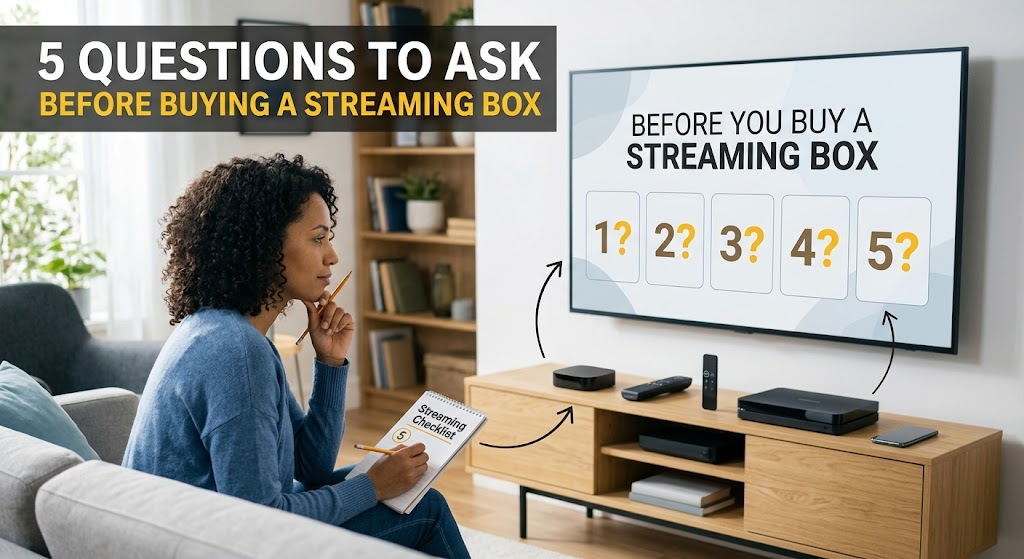
Before purchasing any TV streaming device, ask these five questions:
- Who provides the content, and is the service licensed?
- Does the device receive official software and security updates?
- Why are premium channels or live sports being offered for such a low price?
- Are the installed apps available from trusted or official sources?
- What happens if the service stops working?
Clear answers to these questions can help you separate a normal streaming device from a questionable setup.
Frequently Asked Questions About Bootleg Streaming Boxes
Is vSeeBox legal in the US?
The vSeeBox hardware itself is presented by its sellers as a general-purpose streaming device. vSeeBox’s published usage policy says users are responsible for the applications they install and the content they access, and it prohibits copyright infringement and unauthorized content.
Therefore, the important issue is not simply owning the box. Check whether the applications and content you use are properly authorized.
Is there a jailbroken TV box that has all channels?
There is no legitimate device that can automatically provide every paid TV channel without regard to licensing.
A device can support many streaming applications, but access to premium programming normally depends on the service providing that content and its applicable subscription or licensing terms.
Is there a clone of SuperBox available?
There are many Android-based TV boxes from different manufacturers, but a similar-looking device is not necessarily an official SuperBox product.
If authenticity, updates, warranty, and support matter to you, check the seller carefully before buying a device advertised as a clone or replacement.
Is there a free streaming cable box that can watch live TV?
There are legitimate ways to watch free live television, including free ad-supported streaming services and over-the-air broadcasts.
However, a box promising every paid cable channel for free should be treated carefully. Free access does not automatically mean the content is licensed.
Which app gives all TV channels for free?
There is no legitimate app that universally provides every TV channel for free.
Free services may offer selected live channels, while premium networks and sports generally have their own licensing and distribution arrangements.
Is Superbox TV legal?
The SuperBox hardware is sold as an Android-based media device, and SuperBox retailers state that users are responsible for the applications and content they access.
The key distinction is between the hardware and the content service. Using a device to access properly authorized services is different from using it to access unauthorized copyrighted programming.